The easiest way to play Lander is online. The "Play online" links below will run the game right here in your browser, using the Archimedes Live emulator.
Full instructions (such as they are) can be found on the Lander page in the Archimedes User Guide (PDF).
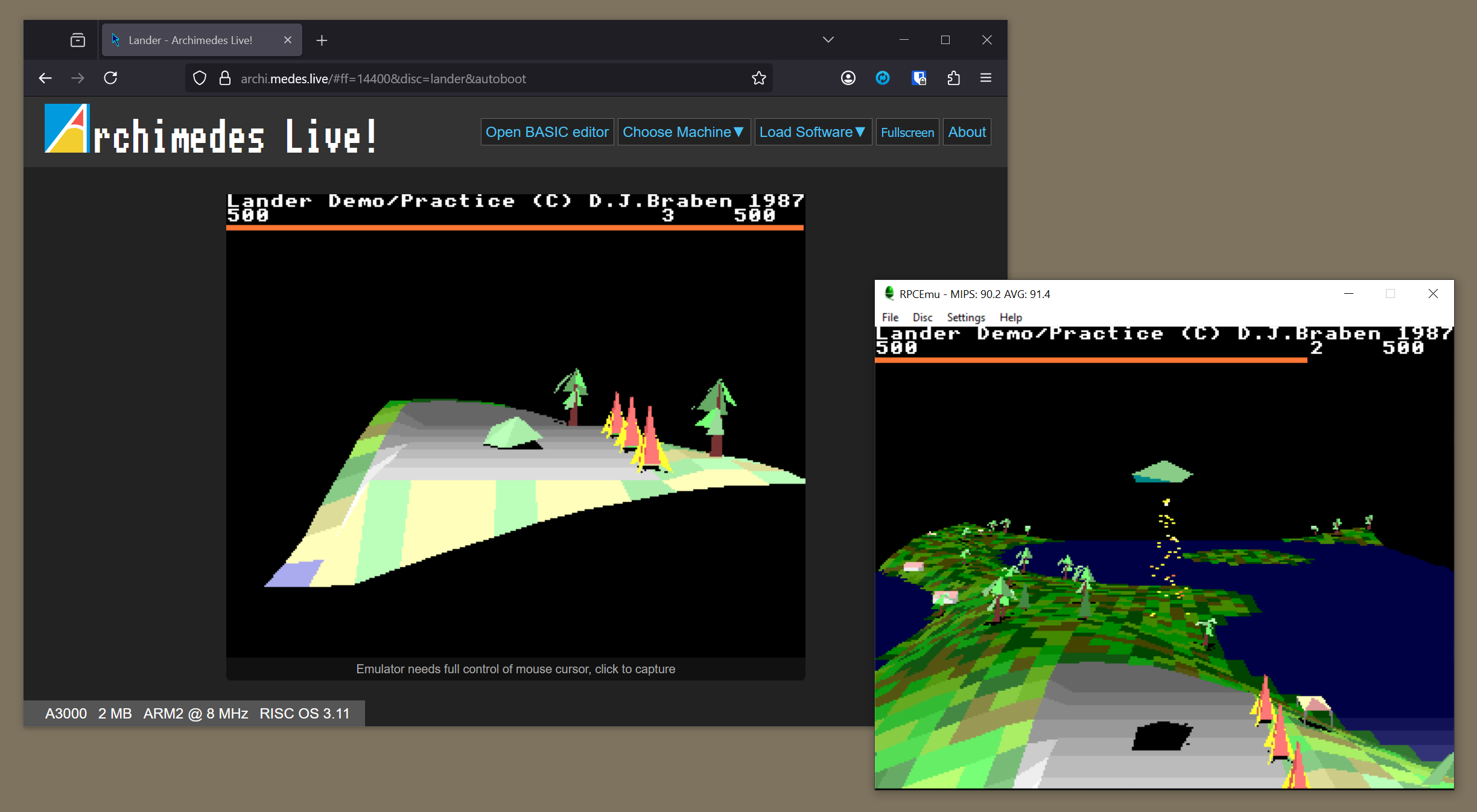
If you want to play the game on a real vintage computer or in an emulator that you've installed on a modern machine, then you can choose from the following:
- If you are using a real machine, then you can download a RISC OS zip file that contains all the versions of Lander and BigLander mentioned on this page. Set the Filetype to Archive or &DDC and extract the contents using SparkFS or similar. Once extracted, see the !ReadMe for more details.
- If you are using an emulator like RPCemu, then download the relevant zips from the links below and use HostFS to copy the files onto your machine. This will ensure the files are copied across with the correct RISC OS file types.
I hope you enjoy playing Lander and BigLander.
Playing Lander
--------------
There is only one official version of Lander, which you can play using these links:
- Lander
- Play online
- Download a zip file for Arthur or RISC OS
- More information
The game is identical in the Arthur and RISC OS versions, but it is packaged differently: the Arthur version is an Absolute file, while the RISC OS version is an application with an encrypted !RunImage.
This version will not work on RISC OS 3.5 and later; for that you need BigLander.
Playing BigLander
-----------------
I have also created BigLander, which is Lander but with a much bigger landscape and support for all versions of RISC OS. This needs a more powerful computer to work properly, so it's available in a number of different sizes (as well as the original Lander size, for anyone wanting to run this on later versions of RISC OS). Here are some options for playing BigLander:
- BigLander (12 x 10 tiles, suitable for ARM2 machines)
- BigLander (19 x 19 tiles, suitable for ARM3 machines)
- BigLander (64 x 64 tiles, suitable for a Risc PC)
- BigLander (121 x 121 tiles, suitable for a Raspberry Pi)
You can also build BigLander with a custom landscape size; see the accompanying repository for more information.