How the Arthur and RISC OS 2 manuals describe Lander
Being a free game that was bundled with the Acorn Archimedes, Lander didn't come with a lot of documentation beyond some brief information in the manuals that came with Arthur and RISC OS 2.
The first thing to note is that in the documentaion, Lander is always referred to as a game rather than a demo. Zarch is mentioned in the RISC OS 2 documentation, where Lander is described as "the preliminary part of a sophisticated game called Zarch", but it isn't called a demo. I've always thought of Lander as a self-contained game, so perhaps this is why.
It is also interesting that the documentation talks about "turning" the mouse, which isn't a phrase we would use these days. How do you "turn" a mouse? We'd probably talk about moving the mouse left or right, or towards you and away from you, but turning the mouse a bit of a mystery. Perhaps that's why Lander was so hard to play? (See the deep dive on flying by mouse for more details on how you actually use the mouse to fly your ship.)
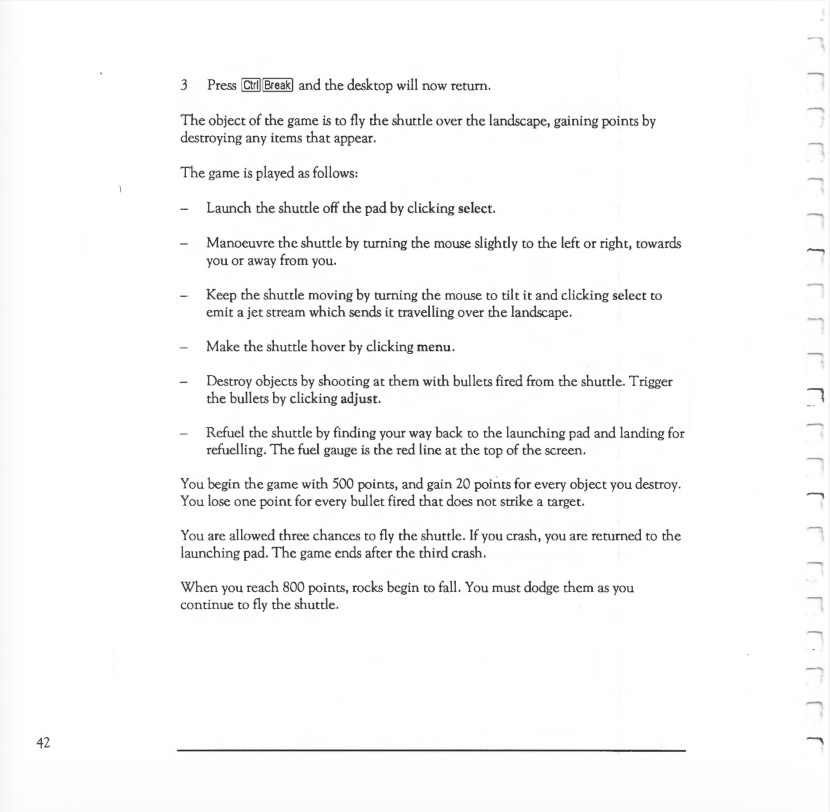
Here are the relevant pages from the Arthur Welcome Guide, which you can also read in text form below (this is taken from the section on Using the Desktop and Welcome Suite on pages 41-42):

And here's the relevant page from the RISC OS 2 User Guide, which again can be read more easily in text form below (this is taken from the section on the Applications Suite on page 177):

Here are the Arthur instructions in text form:
Game
This folder contains two files: a three-dimensional game called Lander and the programs (GameCode) which run the game. To run Lander on the Archimedes 310 or 400 series Archimedes, proceed as follows:
- Position the cursor on the folder labelled Game.
- Double-click select. The contents of the folder are displayed.
- Position the cursor on the folder labelled Lander and double-click select.
A launching pad, space shuttle and three rockets appear on a landscape.
Note: do not choose the GameCode option. It contains the programs which ran Lander.
To run Lander on an Archimedes 305, proceed as follows:
- Leave the desktop by positioning the pointer on the Exit box on the icon bar and press and release select.
- Position the pointer on Yes and press and release select.
- Type *USEGAME[Return]
- Press [Ctrl][Break]
- Type *GAME.LANDER[Return]
The game will now load and run.
To return to the desktop after playing the game, take the following steps:
- Press [Esc] or [Ctrl][Break] to quit the game.
- At the Arthur operating system prompt, type USEDESKTOP[Return]
- Press [Ctrl][Break] and the desktop will now return.
The object of the game is to fly the shuttle over the landscape, gaining points by destroying any items that appear.
The game is played as follows:
- Launch the shuttle off the pad by clicking select.
- Manoeuvre the shuttle by turning the mouse slightly to the left or right, towards you or away from you.
- Keep the shuttle moving by turning the mouse to tilt it and clicking select to emit a jet stream which sends it travelling over the landscape.
- Make the shuttle hover by clicking menu.
- Destroy objects by shooting at them with bullets fired from the shuttle. Trigger the bullets by clicking adjust.
- Refuel the shuttle by finding your way back to the launching pad and landing for refuelling. The fuel gauge is the red line at the top of the screen.
You begin the game with 500 points, and gain 20 points for every object you destroy.
You lose one point for every bullet fired that does not strike a target.
You are allowed three chances to fly the shuttle. If you crash, you are returned to the launching pad. The game ends after the third crash.
When you reach 800 points, rocks begin to fall. You must dodge them as you continue to fly the shuttle.
And here are the RISC OS 2 instructions:
Lander is a game in which you fly a shuttle around a three-dimensional landscape whilst trying to destroy objects on the ground. To start Lander, double-click on the Lander icon. However, note that Lander needs at least 328K of memory, so if you find your computer runs out of space, use the Task Manager (described in Part 1) to ensure that Screen Memory, Next, and Free add up to at least this.
The game is played as follows:
Launch the shuttle off the pad by pressing Select, and manoeuvre it by turning the mouse slightly to the left or right, towards you or away from you.
Keep the shuttle moving by turning the mouse to tilt it and pressing Select to emit a jet stream which sends it travelling over the landscape. Pressing Menu instead of Select gives you half-thrust.
Destroy objects by shooting at them with bullets fired from the shuttle.
Trigger the bullets by pressing Adjust.
Refuel the shuttle by finding your way back to the launching pad and landing for refuelling. The fuel gauge is the red line at the top of the screen.
You begin the game with 500 points, and gain 20 points for every object you destroy. You lose one point for every bullet fired.
You are allowed three chances to fly the shuttle. If you crash, you are returned to the launching pad. The game ends after the third crash.
When you reach 800 points, rocks begin to fall. You must dodge them as you continue to fly the shuttle.
To quit Lander, press Escape, and then press the space bar or click a mouse button.
Lander is in fact just the preliminary part of a sophisticated game called Zarch, available from your Acorn supplier.